


I Tried the New AI Email Design App — Here’s Exactly How It Went
If you’ve ever stared at a blank email template wondering why your emails never look as polished as the big brands’, Flodesk just made a move you’ll want to know about.
Flodesk Studio is their brand-new email design app — currently in beta, currently free, and currently one of the more interesting takes on AI design I’ve tested. The pitch is simple: you describe the email you want, Studio builds it around your brand, and you refine it either by chatting with it or by adjusting every pixel yourself (if you want to get that hands-on). Then you send it through Flodesk or export the HTML to whatever platform you’re already on — Mailchimp, Kit, Beehiiv, you name it.
As a Flodesk partner, I take this very seriously. So, I spent time setting it up and creating my first email, and I took notes the whole way through. Here’s exactly what the experience was like — the parts I loved, the bugs I hit, and whether I think it’s worth adding to your workflow.
Want to try it while it’s still free? → studio.flodesk.com
What Is Flodesk Studio, Exactly?
Before the walkthrough, let me give a quick orientation, because Studio is doing something a little different from the wave of AI “assistants” and “copilots” you are seeing out there.
Flodesk’s framing is that Studio is a place, not a person (you’re not going to name it like an assistant – Claude). Instead of handing your creative work over to a machine that generates something generic, every layout in Studio starts with work from real human designers. The AI accelerates the process — it doesn’t replace the design.
In practice, that means:
- The AI gets you roughly 80% of the way there from a single prompt
- Your brand details are stored so everything stays consistent
- You finish the last 20% yourself, in chat or by hand, with full control of every pixel
Right now it’s email only, with forms, pages, and other marketing materials on the roadmap. They’re building it in public and shipping features daily, which you can feel when you’re inside it.
Setting Up: Easier Than I Expected
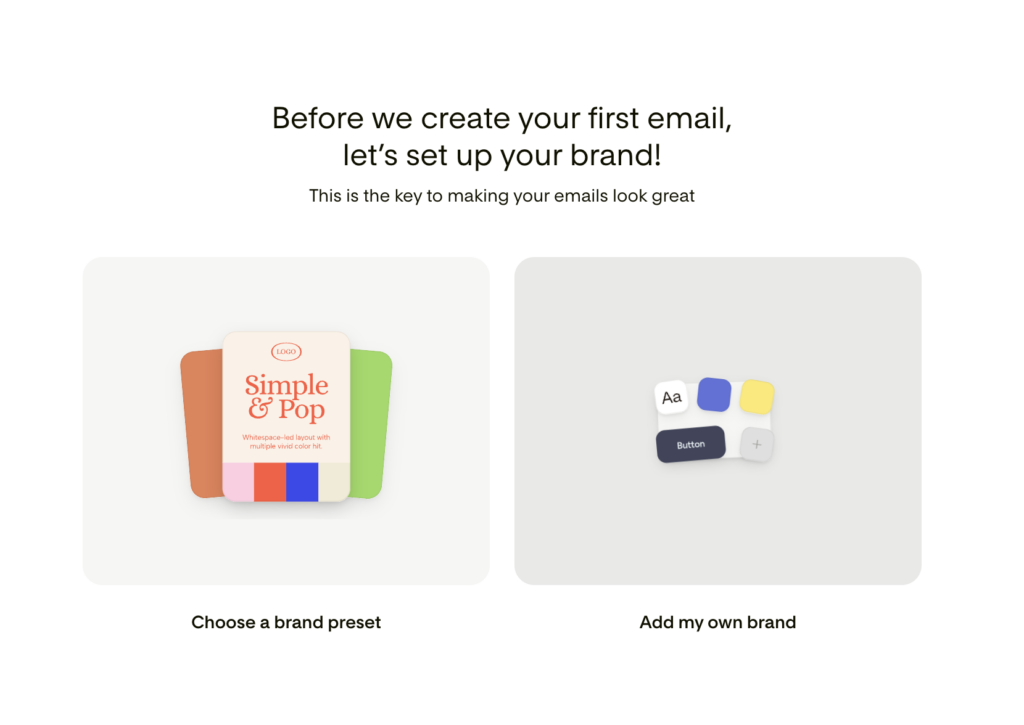
Setup was very easy. Studio prompts you to add your own branding right away, and it’s all simple drag and drop — no digging through settings menus trying to figure out where your logo goes.
The detail that impressed me most: there’s a font mapping area where you choose which of your custom fonts goes where in your designs. Headers, body text, accents — you assign each one once, and Studio applies them consistently from then on. If you’ve ever manually fixed fonts across every block of every email, you understand why this matters.
Don’t have brand fonts and colors yet? Don’t worry. Studio walks you through a whole process that suggests the best colors and fonts to create your own look. There are also pre-made brands you can start from, so a blank slate isn’t a barrier. This is a genuinely nice on-ramp for newer business owners who haven’t invested in branding yet.
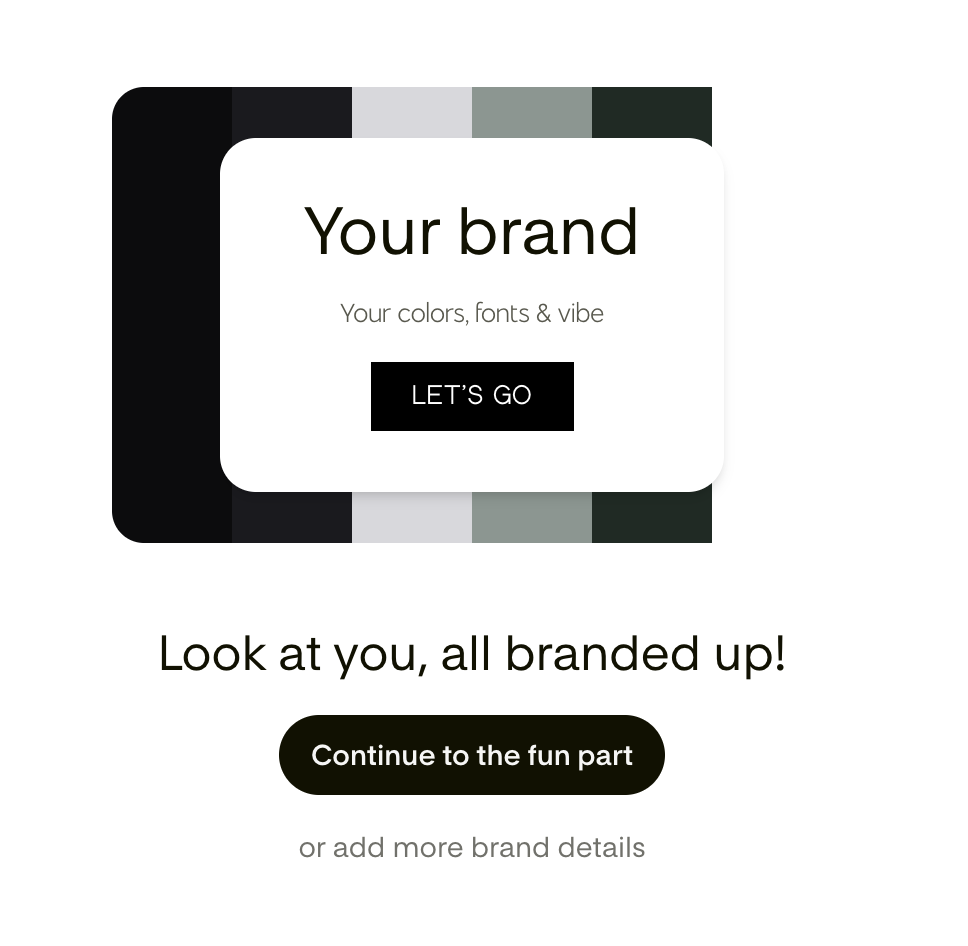
Setting Up Your Brand Voice
Next up is brand voice — and here’s my favorite tip from the whole setup process.
If you’ve done any brand voice work with AI before (ChatGPT, Claude, wherever), ask that AI to give you a brief overview of your brand voice, then drop it straight into Flodesk Studio. That’s it. You’re off and running with a copywriter that already sounds like you.
If you haven’t done that work yet, this is a good excuse to — even a few sentences about your tone, your audience, and the phrases you use (and avoid) will pay off immediately in what Studio writes for you.
Creating Your First Email
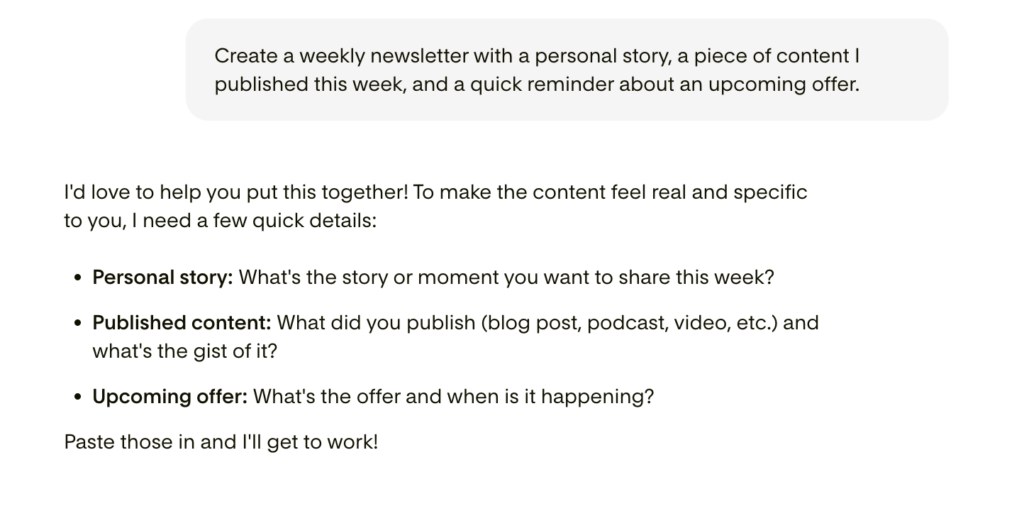
Since Studio is in beta, it’s focused on emails right now. The flow is straightforward: you choose what type of email you want to write, and Studio suggests prompts to get you started — so you’re never staring at an empty prompt box wondering what to type.
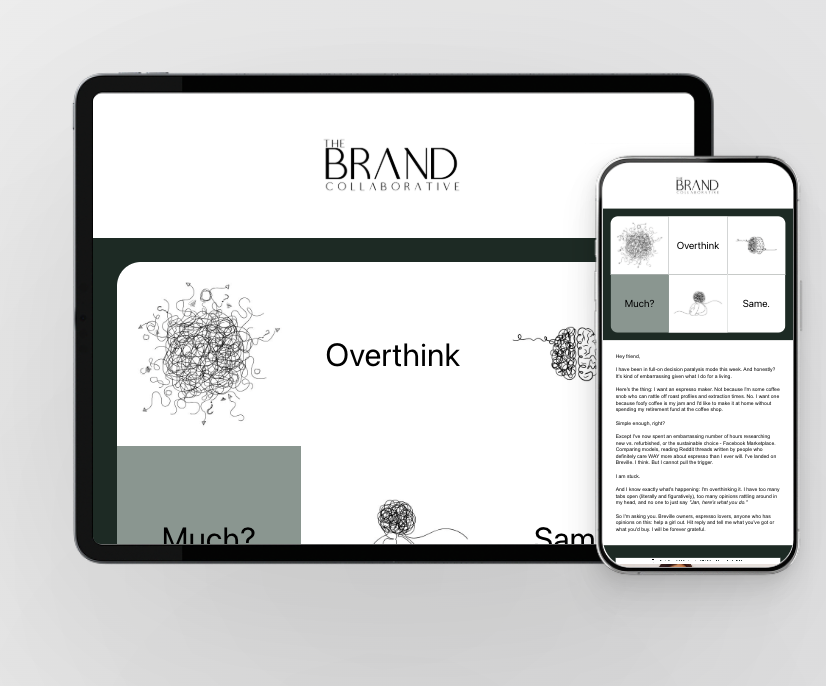
I answered the questions it asked in the prompt, and it spit out three different design versions to choose from. (Studio generates three email styles off the bat — visual, banner, and plain text — so you’re comparing real options, not variations on one idea.)
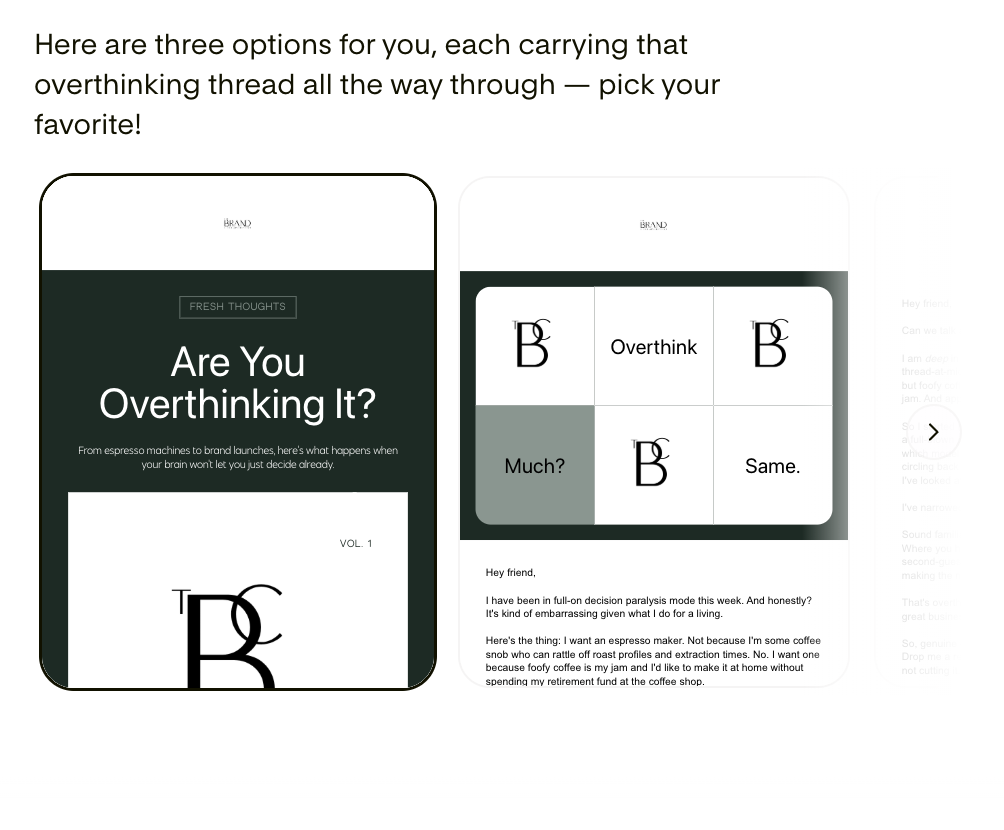
From there, customizing was easy. You can refine in chat, drag and drop elements, or fine-tune by hand — whichever way your brain works. There are stickers you can move freely and rotate, fresh modern layouts, and fun block-card styles if you want to play.
The Part That Surprised Me Most
Here’s the sentence I didn’t expect to write: for the first time out, the AI copywriter really nailed my brand voice and vibe — with very little prompting at the beginning.
If you’ve used AI writing tools, you know the usual first-draft experience: technically fine, sounds like nobody. This didn’t. That brief brand voice overview I pasted in during setup did a lot of heavy lifting, and Studio clearly uses it well.
Sending (or Exporting) Your Email
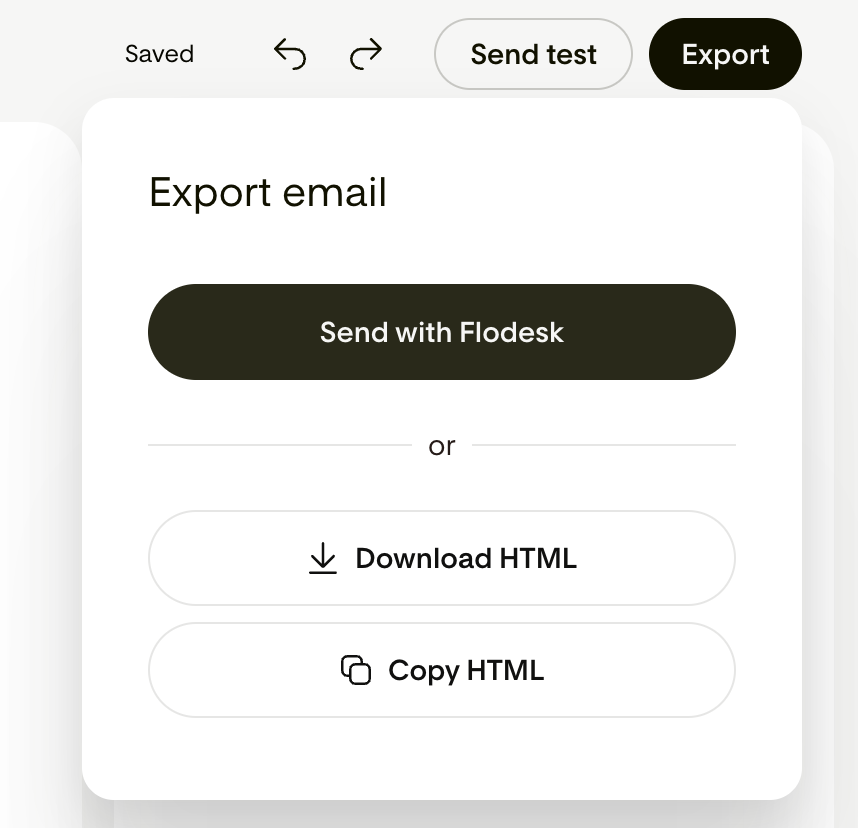
Once your email looks the way you want, you can send yourself a test to make sure everything’s dialed in. Then you get two options:
- Send it with Flodesk — one click, done
- Download the HTML to use in another email platform
That second option is bigger than it sounds. You don’t have to be a Flodesk customer to get value out of Studio — you can design here and send from wherever you already are. (Though it works best with Flodesk, unsurprisingly.)
If you want to check out Flodesk and make a switch – I highly recommend!
The Honest Part: Bugs and Cons
While my first time taking it for a spin was pretty great overall, it’s a beta, and it acts like one sometimes. In the interest of a review you can actually trust, here’s what I found…
Beta bugs. I found a couple of things that actually sent differently than they looked in Studio — like a font switching on me between the design and the delivered email. Nothing was a deal breaker, but if you’re sending something high-stakes, send yourself that test email and read it carefully before you hit go.
No link segmentation (that I could find). I didn’t see a way to segment subscribers based on links they click inside the email. If click-based tagging is a core part of how you run your list, you’ll want to check whether your workflow survives the trip through Studio. My guess is – this bug will be fixed pretty quickly just based on what I know about Flodesk’s priorities with segmenting.
Editing after import is clunky. Once you import your email into Flodesk, going back to make changes means going back into Studio to edit — which is kind of a pain. It’s a one click deal to go back, but it would be better to be able to edit right in Flodesk. It will be interesting to see what the fix is for that.
Given that Flodesk is shipping features daily during the beta, I’d expect at least some of this list to be outdated quickly. But that’s where things stand as of this writing.
Pros and Cons at a Glance
Pros:
- I love the new design looks available
- Very easy setup with drag-and-drop branding
- Font mapping keeps your typography consistent automatically
- Guided branding process (plus pre-made brands) if you’re starting from zero
- AI copywriter nailed my brand voice on the first try
- Three design versions per prompt — beautiful options, fast
- Test sends before you commit
- Send with Flodesk or export HTML to any platform
- Free while in beta
Cons:
- Occasional rendering bugs between Studio and the sent email (it’s a beta)
- No visible way to segment based on link clicks
- Editing after importing into Flodesk means a trip back to Studio
- Email only for now (forms and pages are coming)
Who Is Flodesk Studio For?
- You want designer-level emails without the designer-level price tag. 🎉
- You send emails to your people on any email platform — not just Flodesk.
- You’re tired of AI that sounds and looks like everyone else. (Can I get an Amen!)
Who should wait? If click-based segmentation is mission-critical to your email strategy, or if beta-software quirks would genuinely stress you out, give it a few months. It’s moving fast.
My Overall Impressions
Overall, I think this is a fantastic tool — and I’m not just saying that. I LOVED the look and feel of what it put out for me and I’ll be using it in my own business going forward. I’m excited to keep using it as they roll out new features beyond email as well.
What took hours now takes minutes, it actually sounds and looks like my brand, and the finished emails look crafted, not generated. For a beta, that’s an impressive first showing.
Way to go, Flodesk.
Flodesk Studio is free while in beta — try it yourself → studio.flodesk.com
FAQ
Is Flodesk Studio free? Yes — it’s free while in beta.
Do I need Flodesk to use Studio? No. You can export your design as HTML and use it with Mailchimp, Kit, Beehiiv, or any platform that supports HTML email — though it works best with Flodesk.
What can Flodesk Studio create? Right now, emails only (visual, banner, and plain text styles). Forms, pages, and other marketing materials are coming soon.
Is Flodesk Studio’s design AI-generated? Flodesk describes it as human-designed and AI-accelerated — every layout starts with work from real designers, and you keep full control of every pixel.
[AFFILIATE DISCLOSURE — e.g., “This post contains affiliate links. If you sign up through my link, I may earn a commission at no extra cost to you.”]





Comments +